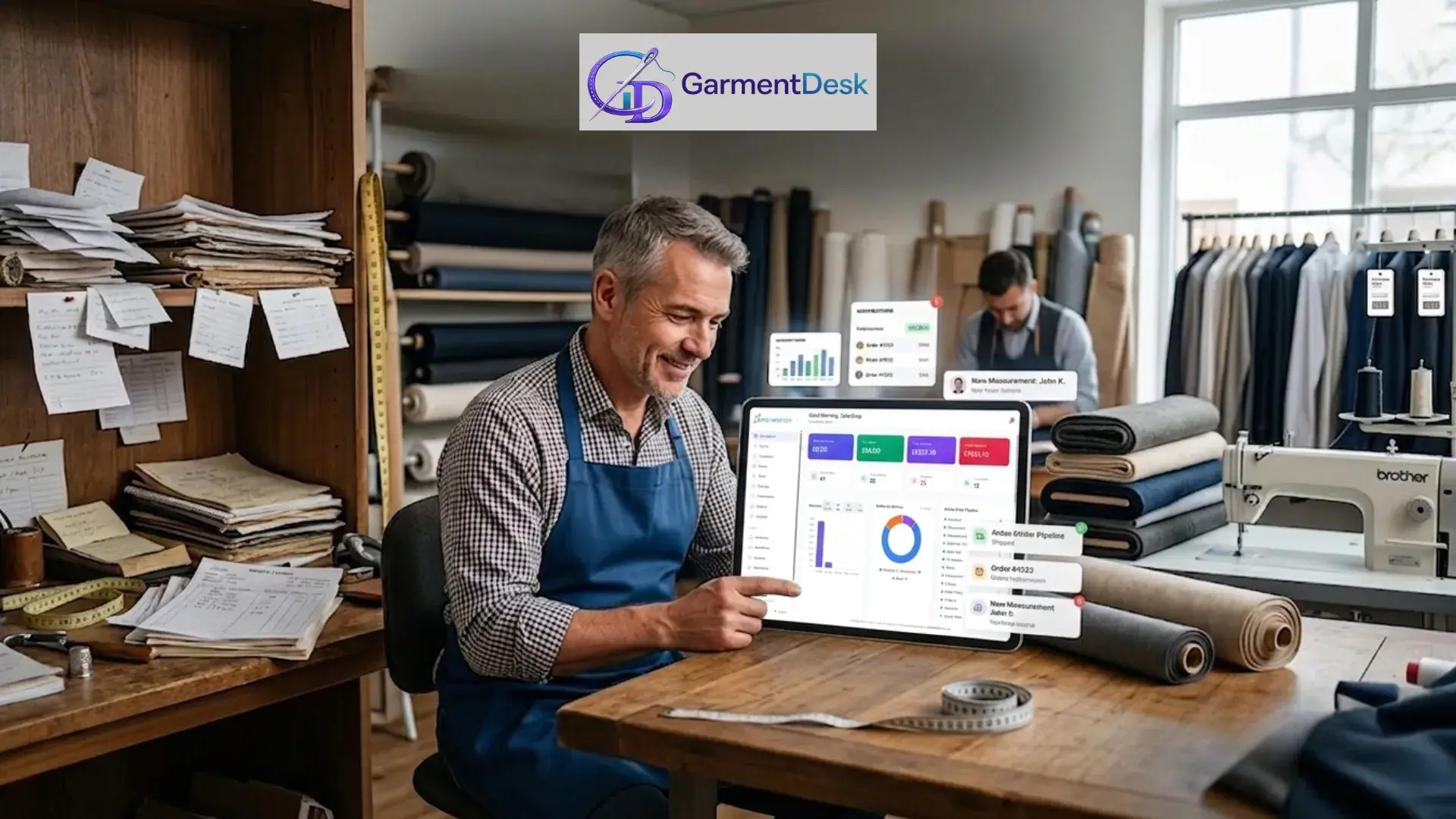
Running a tailor shop is no longer just about stitching. You must handle bespoke orders, alterations, repairs, measurements, payments, and a busy team, all at once. This is why a good tailor shop management software is now a must-have for every tailoring business.
But not every software is built for real tailor shops. Some are too complex. Others miss the features that truly matter. In this guide, we share the 7 key features your tailoring business management system should have.
Why the Right Tailor Shop Software Matters
Before we look at features, let’s see why this choice matters. The right tailoring software directly affects three things:
- Customer experience – fewer missed dates and lost orders
- Team efficiency – smoother work and less confusion
- Profit – better tracking of money and orders
Lost order slips and unclear measurements quietly push loyal customers to competitors. When everything lives in one place, your shop runs smoothly and your team stays in control.
Quick Comparison: Manual vs Software-Based Tailor Shop
| Area | Manual / Paper-Based Shop | With Tailor Shop Software |
| Order tracking | Paper slips, often lost | All orders in one dashboard |
| Measurements | Notebooks, hard to find | Saved per customer, easy search |
| Invoices | Hand-written, slow | Created in seconds |
| Team access | No control, shared notes | Role-based access for each staff |
| Reports | Guesswork | Real-time charts and numbers |
| Customer updates | Manual calls | Automatic SMS or email alerts |
As you can see, software turns daily chaos into a smooth, simple workflow.
The 7 Must-Have Features in Tailor Shop Management Software
Let’s now look at the features that separate a truly useful tailoring software from a basic digital notebook.
1. Unified Order Management for Bespoke, Alterations, and Repairs
Your tailor shop handles three types of work: bespoke orders, alterations, and repairs. Each has its own steps, timeline, and pricing.
A strong tailor shop management software brings all three into one dashboard. You should be able to:
- See every active order at a glance
- Filter by status, due date, or customer
- Track jobs from intake to delivery in one place
- Link multiple orders to the same customer automatically
For example, if a customer drops off a suit for alteration and picks up a bespoke shirt, both should show up under one profile. No double entries, no confusion.
2. Customer CRM with Full Measurement History
In tailoring, customer data is gold. A good CRM stores more than names and phone numbers. It keeps every measurement, style note, and past order.
Imagine a returning customer calling to order new trousers. Instead of re-measuring from scratch, your tailor opens their profile, checks saved measurements, and starts work. That’s how you build loyalty.
A reliable tailoring CRM should offer:
- Full order history per customer
- Saved measurements with date tracking
- Notes on fabric, fit, and preferences
- Quick search and tags
3. Bespoke Order Pipeline with Clear Stage Tracking
Bespoke work is never a one-step job. It moves through many stages, such as consultation, fabric selection, pattern making, fittings, and delivery. Without a clear pipeline, orders can easily get lost in the middle.
So, your software should show a visual bespoke pipeline. This way, you always know where each order stands.
Common bespoke stages to track:
- Order intake and consultation
- Fabric and style selection
- Pattern making and cutting
- First fitting
- Final fitting
- Ready for collection
This single feature can reduce delays and stop awkward calls from waiting customers.
4. Alteration Tracking with Custom Question Flows
Small mistakes in alterations cost big money. A missed note like “take in 1 inch at the waist, leave the hem” can lead to rework and refunds.
A good alteration tracking system lets you build simple question flows for each garment. When a customer drops off a dress, your staff sees the exact questions to ask.
Sample alteration questions:
- Which area needs the alteration: bust, waist, or hem?
- How much to take in or let out?
- Any fabric limits to keep in mind?
- Is there a deadline for the first fitting?
As a result, your team captures every detail the first time.
5. Tailor Shop Software with Team Roles and Permissions
As your shop grows, so does your team. A receptionist, master tailor, apprentice, and manager each need different access levels. This is where tailor shop software with team roles really helps.
Here is a simple view of how roles may work:
| Team Role | What They Can Access |
| Receptionist | Create orders, take payments, print invoices |
| Master Tailor | View measurements and job details |
| Apprentice | View assigned jobs only |
| Store Manager | Manage staff, view daily reports |
| Owner | Full access to all stores and reports |
This setup protects your data and keeps your shop professional.
6. Invoicing, Payments, and Financial Reports
A tailor shop is a business first, art second. You need fast invoicing, clear payment tracking, and simple reports.
Your tailoring business management system should let you:
- Create professional invoices in seconds
- Track paid, partial, and unpaid balances
- Accept many payment methods
- View revenue, overdue amounts, and top services in real time
Reports every tailor shop needs:
- Daily revenue
- Outstanding balance
- Busiest days of the week
- Top customers by spend
- Service-wise earnings (bespoke vs alterations vs repairs)
With these numbers, you stop guessing and start growing with facts.
7. Automated Notifications and Multi-Device Access
Great software also keeps your customers in the loop. Automated SMS or email alerts tell clients when their order is ready for fitting, collection, or delivery.
This one feature reduces phone calls, missed pickups, and no-shows. Customers feel cared for, and your team saves hours every week.
Also, choose cloud-based software that works on phones, tablets, and desktops. Whether you are at the shop or visiting a client, your business travels with you.
Bonus: Security and GDPR Compliance
Data safety is a must in 2026. Your software should follow GDPR, UK data rules, and other regional laws, especially if you serve clients in the USA, UK, EU, Australia, or New Zealand.
Look for platforms that offer:
- Encrypted data storage
- Regular automatic backups
- Clear privacy policies
- Secure login and user tracking
Quick Checklist: Choosing the Right Tailoring Software
- Does it handle bespoke, alterations, and repairs in one place?
- Is it easy to use for non-technical staff?
- Does it support team roles and multiple store locations?
- Are invoices and customer notifications automated?
- Is the pricing transparent, and does it offer a free trial?
Platforms like GarmentDesk are built just for tailor shops and cover all these points.
Conclusion
Choosing the right tailor shop management software is one of the smartest moves you can make this year. The right system frees you from paperwork, protects customer data, supports your team, and gives you more time to focus on craft.
Your ideal tailoring software should include:
- Unified order management
- Customer CRM with measurement history
- Bespoke pipeline with clear stages
- Alteration tracking with question flows
- Team roles and permissions
- Invoicing with real-time reports
- Automated notifications and mobile access
If you’re ready to stop juggling paper slips and spreadsheets, try a purpose-built tool like GarmentDesk book a demo today and take your tailor shop to the next level.
FAQs
What is tailor shop management software?
It is a digital tool that helps tailor shops manage orders, measurements, alterations, repairs, invoices, and team roles in one place, replacing paper slips and spreadsheets.
Why do tailor shops need a management system?
A tailoring business management system saves time, reduces errors, stores customer data safely, and automates invoices and updates, helping you serve more customers better.
What features should I look for in tailor shop software?
Look for unified order management, a strong CRM, a bespoke pipeline, alteration tracking, team roles, invoicing, reports, and automated notifications on all devices.
Is tailor shop software with team roles important?
Yes. Team roles let each staff member access only what they need. This protects sensitive data and keeps your shop organised as your team grows.
Can I use tailor shop software on my phone?
Yes. Modern tools like GarmentDesk are cloud-based and work on phones, tablets, and computers, so you can run your shop from anywhere.
How much does tailor shop management software cost?
Pricing varies, but many reliable platforms start at around $29 per month, often with a free trial so you can test before you commit.